
Have you ever wondered why some aerial videos look like Hollywood productions while others fall flat, despite being shot with the same impressive equipment?
I’ve discovered that the magic doesn’t just happen in the sky. The real transformation occurs behind the scenes. Raw aerial clips require a skilled touch to become the stunning, professional-quality videos that captivate audiences today.
In my experience, the post-production process is just as vital as the flight itself. It demands the right software and a solid grasp of techniques specific to aerial videography. This is where your vision truly comes to life.
This comprehensive guide walks you through my complete approach. We’ll cover everything from selecting perfect software to mastering advanced colour grading. I’ll also address technical challenges like large file sizes and 4K resolution demands.
My goal is simple: to give you the confidence to create engaging, cinematic results that resonate with your vlogging audience. Let’s begin this journey into professional post-production.
Key Takeaways
- Post-production is essential for transforming raw aerial clips into professional videos.
- The right software and specific techniques are crucial for aerial videography.
- This guide provides a complete workflow from basic principles to advanced methods.
- Understanding technical aspects like large file sizes and high resolution is key.
- The process focuses on creating engaging content that stands out to viewers.
- Personal experience and tested methods ensure professional-level results.
- You will gain the confidence to tackle your own aerial video projects.
Understanding the Basics of Drone Videography
Many people assume flying a drone is the hard part, but I found the real challenge begins long before takeoff. It’s about developing an eye for composition from above and understanding how movement tells a story.
My initial approach to capturing breathtaking aerial shots
When I first started, I quickly learned that patience is your greatest tool. Rushing never produces good results. I plan each movement carefully, considering how every shot will fit into the final narrative.
Timing is everything. I always try to film during the golden hours—shortly after sunrise or before sunset. The soft, warm light enhances colours beautifully and creates those long, dramatic shadows that add real depth.
Weather checks are non-negotiable. Calm conditions are crucial for stable results. I also love using specific techniques to create engaging visuals.
- Orbit shots: Flying in a circle around your subject adds dynamic movement.
- Reveal shots: Flying backwards gradually unveils scenery, building anticipation.
Key considerations for framing and composition
Seeing the world from an aerial perspective changes everything. I constantly think about how the frame evolves as the camera moves. This helps me identify natural points where one shot should end and another begin.
My approach focuses on capturing varied angles and movements. This gives me plenty of options later. The goal is always to provide a compelling visual story that keeps viewers engaged from start to finish.
Choosing the Perfect Video Editing Software
I’ve learned through extensive testing that the software you choose determines your creative workflow’s efficiency. The right platform can transform your aerial work from basic clips to cinematic masterpieces.
Comparing professional and beginner-friendly options
Your skill level should guide your software selection. Beginners benefit from intuitive interfaces, while professionals need advanced capabilities.
I always recommend starting with free options to learn fundamental techniques. This approach lets you grow without financial pressure.
| Software | Best For | Cost | Key Strength |
|---|---|---|---|
| Adobe Premiere Pro | Professional creators | Subscription | Comprehensive toolset |
| DaVinci Resolve | All skill levels | Free/Paid | Colour grading |
| iMovie | Mac beginners | Free | Simplicity |
| Final Cut Pro | Advanced Mac users | One-time purchase | Performance |
My experiences with Adobe Premiere Pro, iMovie, and DaVinci Resolve
I use Adobe Premiere Pro for most professional projects. Its powerful tools handle complex colour correction and stabilisation beautifully.
For newcomers, iMovie provides a stress-free introduction to basic video editing. The interface is wonderfully straightforward.
DaVinci Resolve surprised me with its professional-grade features available for free. It’s an excellent choice for vloggers wanting to advance their skills.
Remember to consider your computer’s capabilities when choosing software. Some platforms handle large files better than others.
Mastering Editing Drone Footage Techniques
Many creators underestimate the critical role that clip selection plays in creating engaging aerial content. I learned this through trial and error in my early projects.
The transformation happens when you approach your material with objective eyes. You must separate your personal experience from what actually works on screen.
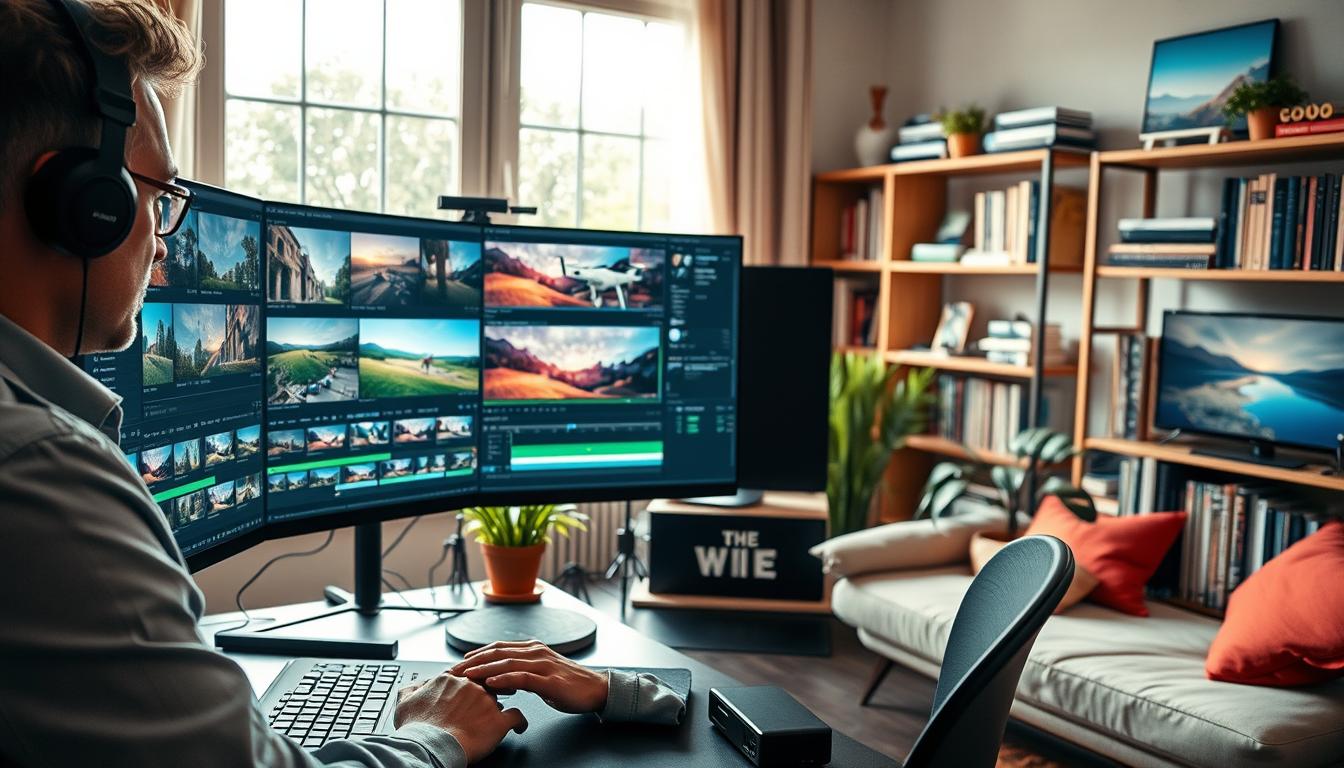
Selecting the most engaging clips and cut points
My method involves watching each take as if I were seeing it for the first time. I ask myself whether the composition holds visual interest throughout.
When the camera moves, I check if the framing remains strong. The moment it weakens becomes my natural cut point. This technique ensures every second earns its place.
Static shots require particular discipline. While moving sequences can sustain attention, stationary perspectives need tight trimming. Less is often more with aerial material.
I review my selections multiple times before finalising. Each piece must contribute to the overall narrative flow. Emotional attachment never justifies keeping mediocre content.
For newcomers, I suggest starting with simple projects using only your strongest takes. This builds confidence before tackling complex multi-layered work.
Stabilisation and Special Effects for Drone Videos
The difference between amateur and professional aerial content often comes down to how well you handle stabilisation and effects. Even the most breathtaking shots can lose their impact without proper smoothing and creative enhancements.
I’ve found that starting with solid stabilisation creates the perfect foundation for everything that follows. This approach ensures your visual storytelling remains smooth and engaging.
Techniques to smooth out shaky footage
Dealing with shaky aerial material is something I’ve mastered through experience. My go-to method involves using built-in stabilisation tools in programmes like Adobe Premiere Pro and Final Cut Pro.
These tools analyse the movement patterns and intelligently smooth out unwanted shakes. For minor corrections, I sometimes use VSDC’s free stabilisation feature, which works surprisingly well.
The key is processing your material before adding any creative elements. This ensures you’re building on a stable foundation rather than trying to fix problems later.
Incorporating transitions and motion effects
When it comes to enhancing visual flow, I love using dynamic transitions between clips. Rather than simple cuts, these create a more cinematic experience that keeps viewers engaged.
One technique I frequently use is speed ramping. This involves smoothly transitioning from normal pace to slow motion during key moments. It adds drama and emphasises the most spectacular parts of your aerial sequences.
Tools like HitFilm Express make adding these cinematic touches quite straightforward. The secret is using effects tastefully to support your story rather than distract from it.
Advanced Colour Grading and Correction for Aerial Shots
Through trial and error, I’ve learned that professional-looking results depend heavily on advanced colour work. This final touch transforms flat material into vibrant cinematic visuals that captivate viewers.
Utilising LUTs and colour correction tools
My favourite approach involves using LUTs in DaVinci Resolve. The NODE section contains presets designed specifically for DJI systems. I right-click on a node and navigate to the DJI section for my particular model.
When I can’t find the exact preset, I download it directly from the DJI website. The key is using the slider to control LUT intensity rather than applying it at full strength. This prevents that artificial, over-processed appearance.
Balancing contrast, saturation and white balance
I always start by setting the white balance correctly for the shooting conditions. This foundational step makes all subsequent adjustments more effective. My general approach involves increasing contrast and saturation while lowering the blacks.
Professional software like Adobe Premiere Pro allows me to enhance natural elements individually. I focus on making skies bluer, greenery richer, and water more vibrant. The goal is enhancing what’s already there rather than creating artificial looks.
Insights on grading LOG footage for dramatic visuals
LOG material looks flat straight from the camera, but this format offers incredible flexibility. I carefully adjust shadows, highlights, and midtones to create depth and dimension.
I’ve developed a valuable technique to avoid over-grading. After working on colour correction, I step away for five minutes then return with fresh eyes. Our vision can trick us when we stare at material for too long.
Integrating Music and Transitions for Engaging Content>
I’ve discovered that the emotional impact of my aerial work depends heavily on the musical accompaniment and seamless transitions. The right soundtrack can transform technical visuals into memorable experiences that resonate with viewers.
Choosing royalty-free music and soundscapes
My approach to selecting music varies based on the project’s purpose. For personal use, I enjoy tracks from my personal collection. However, for YouTube uploads or commercial work, I always use royalty-free sources to avoid copyright complications.
Artlist.io has become my preferred platform for finding quality music. Their subscription model allows me to download numerous tracks, including their specialised Drones category. I stockpile these for future projects to ensure I always have suitable options.
| Platform | Best For | Cost Model | Key Feature |
|---|---|---|---|
| Artlist.io | Professional projects | Subscription | Drones category |
| YouTube Audio Library | Beginners | Free | Platform integration |
| Epidemic Sound | Social media | Subscription | Trending tracks |
Applying dynamic transitions and speed adjustments
I synchronise transitions with the music’s rhythm to create natural flow. This technique keeps viewers engaged throughout the entire video. Matching visual changes to audio beats makes the experience feel cohesive.
Speed adjustments work beautifully when timed with musical changes. I ramp up pace during exciting moments and slow down for contemplative sections. For social media platforms like Instagram Reels, I create concise videos under 60 seconds with faster transitions.
Conclusion
What separates memorable aerial storytelling from simple flying demonstrations lies entirely in the creative decisions made during post-production. This comprehensive guide has walked you through my complete workflow for transforming raw material into professional content.
I hope these insights give you the confidence to tackle your own projects. Whether you’re starting with free software or advancing to pro tools, remember that patience and vision are your greatest assets. Great video editing combines technical skill with creative storytelling.
Your journey with aerial content creation is just beginning. Experiment with different approaches and develop your unique style. With the right techniques, even basic drone footage can become extraordinary videos that truly resonate with your audience.
FAQ
What is the best free video editing software for beginners?
I often recommend DaVinci Resolve for those starting out. It’s incredibly powerful, offering professional-grade colour grading tools and stabilisation features without any cost. It has a slight learning curve, but its capabilities are well worth the effort.
How can I fix shaky aerial videos?
Most modern programmes, like Adobe Premiere Pro, have excellent stabilisation tools built-in. I usually apply a ‘Warp Stabiliser’ effect, which analyses the motion and smooths it out. For best results, I film at a higher frame rate to give the software more data to work with.
What should I look for when choosing music for my vlogs?
I always search for royalty-free tracks on platforms like Epidemic Sound or Artlist. The key is to find music that matches the pace and emotion of your visuals—upbeat for fast-paced action, or something calm and cinematic for sweeping landscape shots.
Why does my drone video look flat and how can I improve it?
A> That flat look often means you’ve filmed in a LOG colour profile. This is actually great! It captures more detail for grading. I use colour correction tools to adjust the contrast, saturation, and white balance, which brings the visuals to life. Applying a LUT can also be a quick starting point.
My computer struggles with 4K files. What can I do?
I’ve faced this too! Creating proxy files is a game-changer. This process generates smaller, easier-to-handle versions of your clips for editing. Once you finish, the software seamlessly re-links everything to your original high-quality files for the final export. Most pro software, including Adobe Premiere, has this feature.